Reach Your Lobby Faster
Live Baccarat, Wins of Fortune, Sportsbook and Crash Games sit behind one bangjoko login, with DANA, OVO, GoPay and QRIS shown after you enter your account.
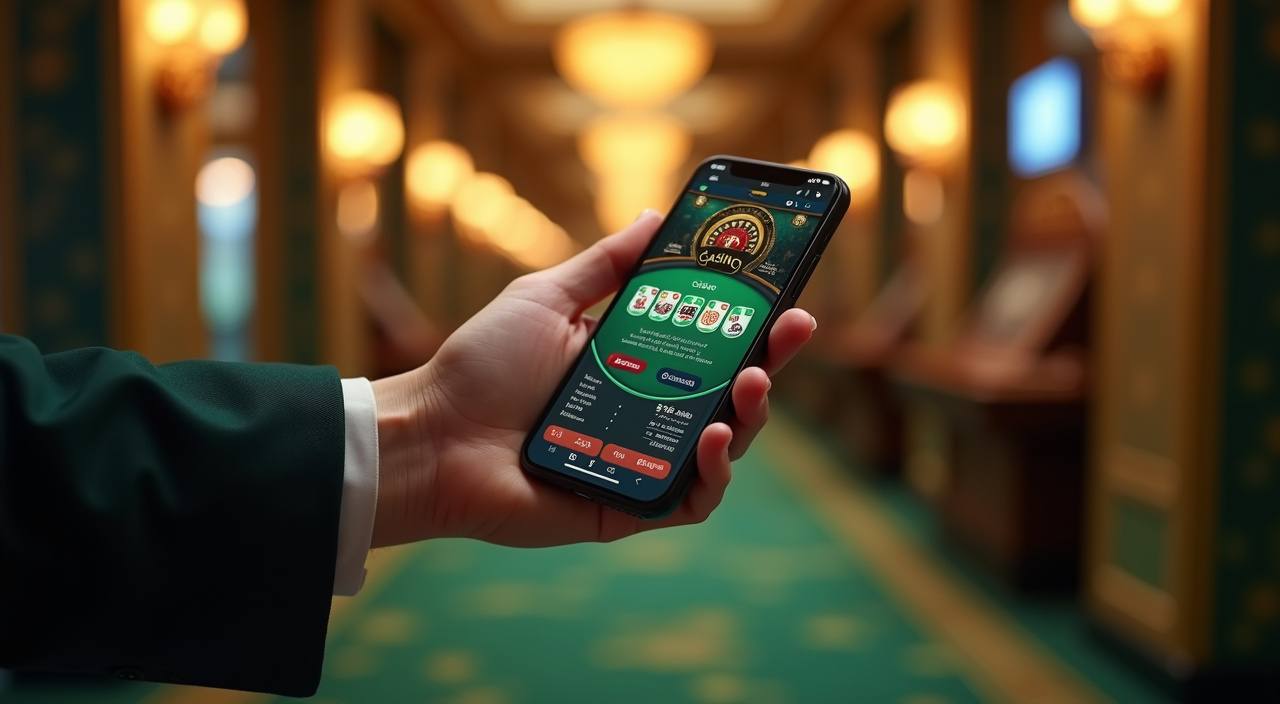
What Happens After Login
Your bangjoko login starts with your registered username or mobile number, then moves through password and OTP checks when the device looks new. After entry, we take you to the account area where your lobby, wallet status and profile checks are visible before you open Live Baccarat, Super Bingo or the Sportsbook. If you are
signing in from Yogyakarta on mobile, the same session can continue on desktop after a fresh password check.
-
Verified entry We ask for the account detail you registered, then match it with password and OTP steps when needed. This keeps login tied to your own profile before the lobby opens.
-
Device memory When you return on the same phone or browser, we keep the path short while still checking session health. A new device may trigger an extra code before access continues.
-
Lobby after sign-in Your account opens into the same wallet and lobby view, so Live Baccarat, Royal Fishing, Crash Games and Sportsbook sections are reached from one signed-in dashboard.
-
Profile completion If a profile step is missing, we show it inside the account area instead of leaving you to search. Completing your details helps wallet checks and account recovery later.
Your details are protected with encrypted, secure access.
Payment View After Login
Your payment row appears only after bangjoko login, so the wallet screen stays connected to your own account rather than a public page.
Get Back Into Your Account
Login issues should be solved from the account path, not through guesswork. If your password fails, OTP is delayed or a device change blocks access, our team can check the session record…
Account Checks We Use
A bangjoko login is more than a password field. We watch device changes, session age, profile match and wallet activity so your account area stays connected to the person who registered it.
Encrypted pages
Our login and cashier pages run through encrypted connections, so account details are not sent as plain text. Check the browser lock before entering your username or password.
OTP checks
We may request an OTP when the device, browser or location pattern changes. The code is meant for your screen only, and support will not ask you to reveal it.
Profile match
Wallet actions and recovery requests can require profile matching against your account record. Keeping your registered name and mobile number current helps us confirm access faster.
Session timeout
Long idle sessions can close automatically, especially on shared or mobile browsers. If that happens, sign in again instead of refreshing old game or cashier tabs.
Data handling
We limit account access checks to details needed for login, wallet status and recovery. Your password should remain private, and we recommend changing it after any shared-device use.
Access rules
Account entry and lobby use are available where local law permits. If a region or profile check prevents access, support can explain the account status after verification.
Answers Before You Sign In
These are the bangjoko login questions we handle most often from Indonesian account holders. Each answer focuses on getting you into the account area safely, checking your wallet view and knowing when to contact us. If your issue involves a live session, keep the screen open while you reach support.